
PDF Toolkit
Merge, compress, edit and convert PDFs, and add pages, right in your browser.
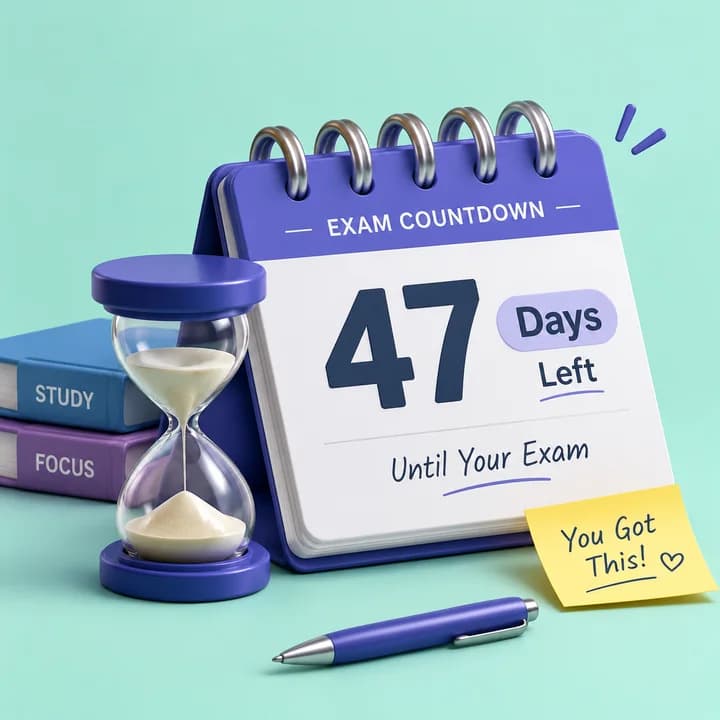
Count the days left to an exam, a trip or a birthday.
It takes one tap with Google. Free, with no watermark and nothing to install.
In whole calendar days from today, using your own time zone, so a countdown ticks over at midnight where you are.
Yes, in your TopperShelf account, so they are there on any device you sign in on.
It moves to the bottom of the list and shows how many days ago it was, until you remove it.
Merge, compress, edit and convert PDFs, and add pages, right in your browser.

Compress photos to the exact KB size a form asks for, or resize them to exact pixels inside a KB range.

Convert CGPA or SGPA to percentage and back, or get your percentage from marks.

Flashcards, reminders and more.